Docs
Future Edition Release Schedule
Future Edition Release Schedule
Track the upcomming edition release date.

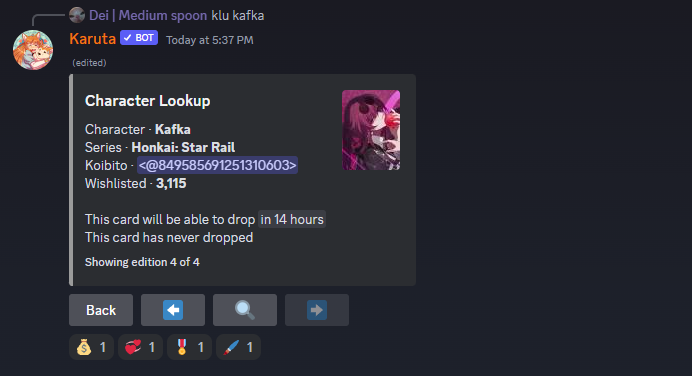
With this command, you can track the upcomming edition release date.
How to use
- 1
Step 1: Understand the Command Format
Format
aschedule [filters]
Important Notes :
- a represents the prefix, which defaults to
a - [filters] are optional parameters that can be used to refine the results
- c: specifies the character
- s: indicates the series
- w: filters by wishlist amount
- e: selects the edition
- --released: limits the results to characters that have already been released
- o:w: sorts the results by wishlist amount; this filter should be placed before any other filters
- a represents the prefix, which defaults to
- 2
Step 2: Choose Your Filters
Select the filters you want to apply to refine your results. You can choose one or multiple filters.
- 3
Step 3: Run the Command
Type the command with your chosen filters. For example:
- aschedule
- aschedule c=sinon s=sword
- aschedule e=5
- aschedule o:w e=5
- aschedule e=5 w>1000
- aschedule e=5 w>1000 --released
- 4
Step 4: Review Your Results
Review the results to ensure they match your expectations. You can adjust your filters and re-run the command if needed.