(Not) Starboard
Display your best drops and other messages from Karuta.
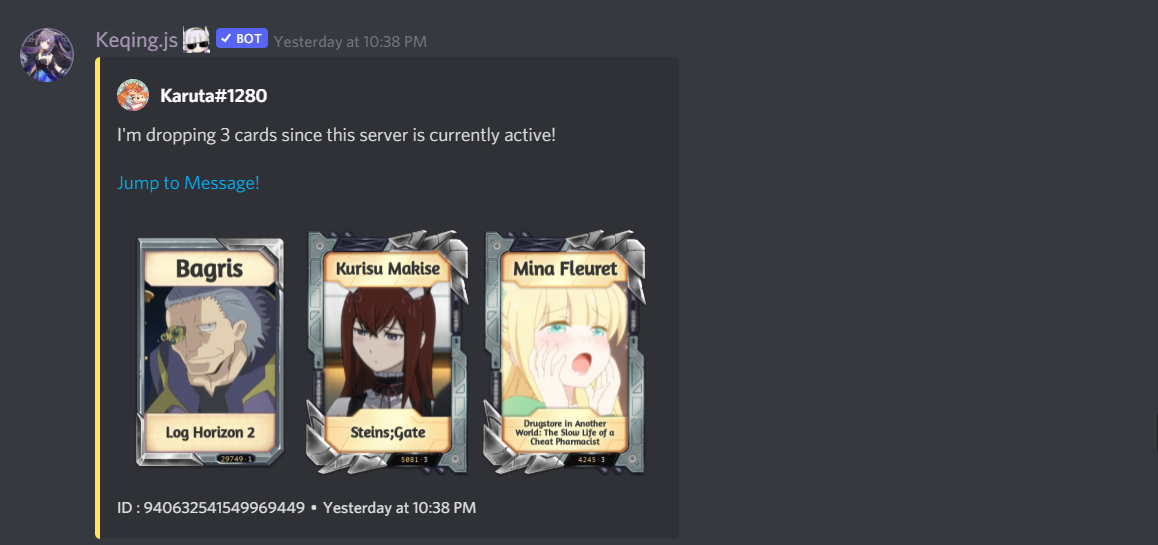
Display your best drops and other messages from Karuta.
Setup
Configure your starboard feature through your server's dashboard settings panel.
- 1
Access Channel Settings
Navigate to your server dashboard and go to Settings > Channel Settings to configure the starboard channel.
- 2
Set Starboard Channel
In the Channel Settings section, select the channel where starred drops will be displayed from the "Starboard Channel" dropdown.
Permission Required
Only members with
Administratorpermission can modify these settings. - 3
Configure Star Command Access (Optional)
Navigate to Settings > Permission Settings to restrict who can use the star command. In the "Star Command Role" setting, select which role can star messages.
Using the Starboard
- 1
Star a Drop
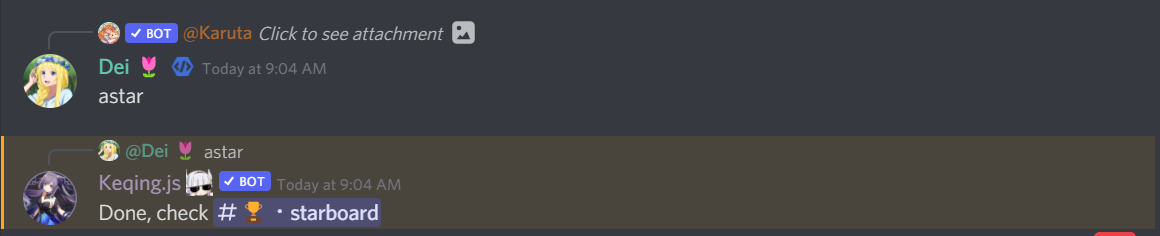
To star a drop message, simply reply to the Karuta drop with the
astarcommand. - 2
Command Usage
Replythe drop message withastarcommand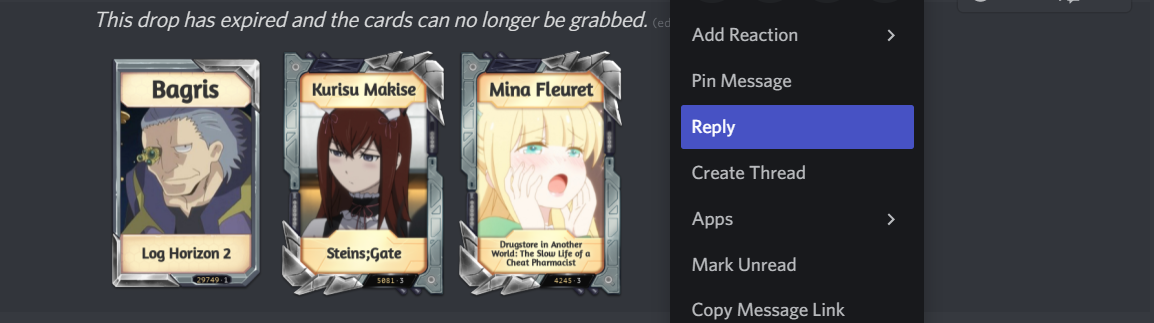
- The message will automatically appear in your configured starboard channel
Manual Process
@Keqing bot doesn't offer automatic starboard functionality, so you will need to use the astar command manually for each message you want to star.
Configuration Options
Channel Configuration
Set up your starboard channel through the Channel Settings section in your dashboard. This determines where all starred messages will be posted.
Permission Control
Use the Permission Settings section to control access to the star command:
- Star Command Role: Restrict the
astarcommand to specific roles - Leave empty to allow all members to use the command
FAQ
How to restrict
astarcommand to only certain role?
Answer
Navigate to Settings > Permission Settings in your dashboard and configure the "Star Command Role" setting. Select the role that should have access to the star command, or leave it empty to allow all members.
Dashboard Access
Access your server's starboard settings through the web dashboard at your server's settings panel. All configuration changes are applied instantly and don't require bot restarts.