Server Drop Ping
Get a notification for server drop.
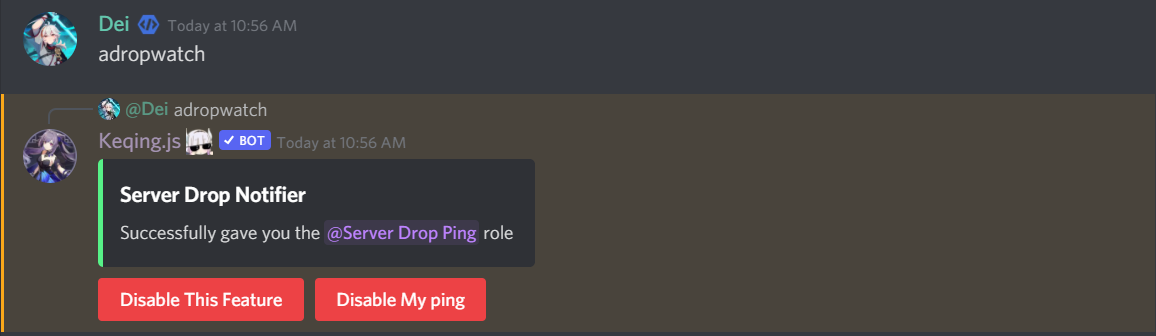

Basically same as the Wishlist Notifier
How to use
- 1
Get Started
First things first, let's get this feature up and running. If you're an admin, just hit the button.

- 2
Use the Command
Once the feature is activated, you can start using it with the following command:
Command
adropwatch
- 3
Stop the Notifications
If you want to stop receiving notifications, just click the button.
- 4
Important Note
Important
@Keqing needs to have the
MANAGE ROLESpermission.
Role restriction
This feature can be limited so that a role is required to obtain the @Server Drop Ping
Commands
Format : aadropaccess <@role | false>
To make this feature accessible to all members, use false.
Disable Feature
- 1
Disable the Feature
Execute the
adropwatchcommand to initiate the deactivation process. - 2
Confirm Deactivation
Click the button to confirm the deactivation.
- 3
Role Removal
Important Note
@Keqing will remove the @Server Drop Ping role, resulting in all members losing the role.